Lots & handling units
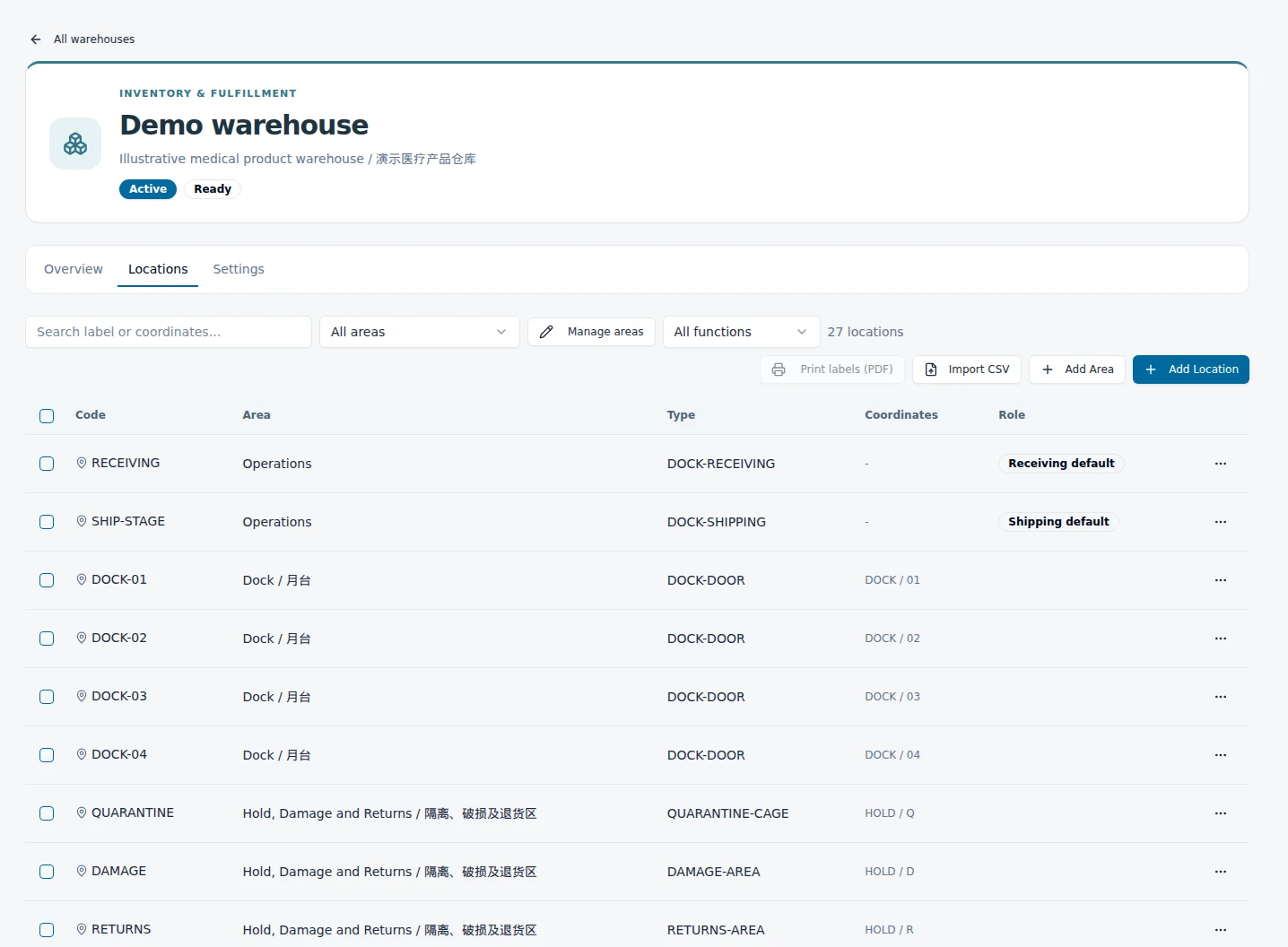
Track lot and expiry context alongside stock and nested LPNs. Preserve the relationship between items, cases, pallets, locations, and their movement records.
 EquatorOps
Regulated operations
Connect receiving, inventory, and release to the procedures, inspections, training, and evidence that govern them. Give warehouse, manufacturing, and quality teams a common operational record.
01 / Connect movement to control
A stock position tells you what is present. The operational record also needs to explain where it came from, which lot it belongs to, whether it is held, and what supports its release.
Item, lot, handling unit, and receipt context
Checks, observations, and linked evidence
Keep affected inventory from moving through release
Authorized action with its supporting record
Custody · location · quality state · decisions · evidence
02 / Run the operation
Track lot and expiry context alongside stock and nested LPNs. Preserve the relationship between items, cases, pallets, locations, and their movement records.
Place quality holds on affected inventory and enforce the applicable movement and release restrictions. Keep the hold reason, disposition, and release evidence together.
Connect receiving and execution to inspection outcomes and exceptions. Give operators and quality reviewers the same record to follow through the next step.
Follow inventory through location changes and transfers. Use the transaction history to investigate what happened to the stock and the work around it.
03 / Operate the quality system
For medical device warehouses, 3PLs, and manufacturing teams, audit preparation depends on procedures being followed over time. Connect the procedure revision, the people trained on it, the checks performed, and the response when a result falls outside expectations.
Release documents, manage revisions, and schedule periodic review.
Connect each role to required training, completion, and competence checks. Capture scheduled facility and operational checks.
Assign corrective work and retain evidence of follow-through.
04 / Prepare for the next review
Run guided audits, capture observations, assign findings, and track remediation. Keep owners, due dates, and closure evidence in the quality record.
Assemble linked records and supporting evidence for internal reviews, customer requests, and audit responses. Retain the history behind the package.
Configure the system around your procedures and assessment requirements. Software supplies the workflow and records; your organization owns the operating practices and evidence of their effectiveness.
Connect suppliers & operating partnersStart on the floor
We’ll follow it through your operation and map the records, responsibilities, and quality gates that need to stay connected.
Request an operations walkthrough