A component is changing.
Review where the component is used, the agreed specification and the evidence required to evaluate the alternative.
 EquatorOps
Change control & impact intelligence
A proposed revision is the start of a decision. Follow its connections to the product, supplier, evidence and operational work, then compare the responses your team can take.
For engineering, quality, supply chain and operations teams reviewing changes together.
01 / Define the signal
A supplier proposes an alternate part. A test result calls a requirement into question. A document revision changes an operating instruction. Define the signal and the records it concerns so the team can investigate a specific event.
Review where the component is used, the agreed specification and the evidence required to evaluate the alternative.
Connect the observation to the relevant product, risk, test or operational record and identify the people who need to review it.
Identify the affected procedure, supporting documents, assigned reviews and work that depends on the revision.
02 / Follow the relationships
Follow the represented connections between requirements, product structures, suppliers, documents and work.
Identify work that depends on a decision or on evidence that is still missing. Review the assumptions behind that dependency.
Surface affected verification, risk controls or supporting records for a qualified reviewer to assess.
Bring the proposed scope and evidence to the participants responsible for authorizing the change.
Separate available supporting records from tests, documents and confirmations that still need work.
Use dependencies and unresolved conditions to organize the next actions rather than treating every task as independent.
The Verification Graph Engine (VGE) follows the relationships represented in your data. Impact Intelligence brings that context into the decision. Reviewers can examine the sources and gaps before acting on a result.
03 / Compare the responses
Compare two configurations: a reference and a candidate. Keep their assumptions, evidence and remaining questions visible so a recommendation can be reviewed. Additional candidates can be evaluated in a subsequent comparison.
Planning example / a proposed alternate component
Review the current source, available evidence and any constraints that prompted the case.
Review changed dependencies, required verification and approval conditions for the candidate.
04 / Prepare the decision
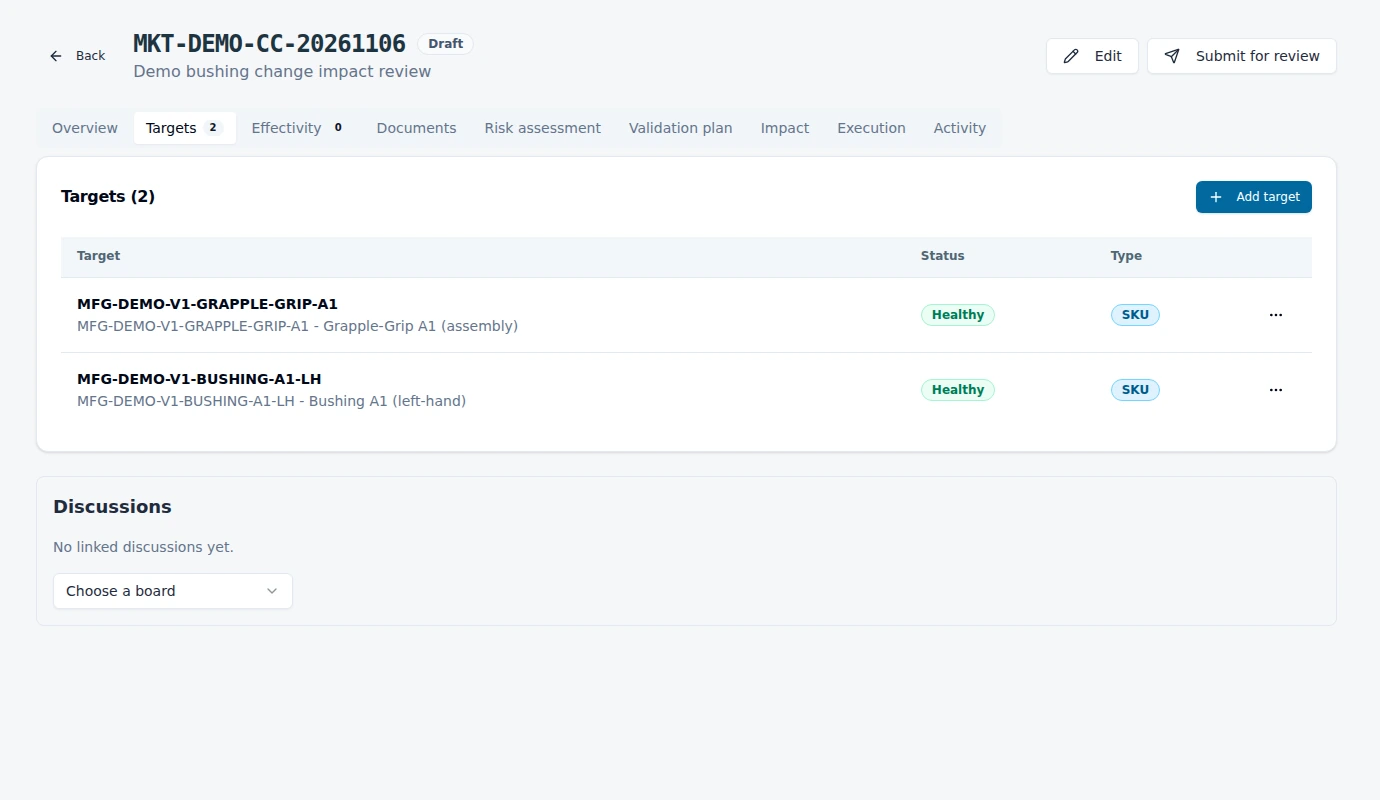
Keep the affected product and related records with the proposed change.
Connect risk assessment, validation planning and supporting documents.
Use the configured approval process and responsibilities.
Follow the effectivity and execution conditions established for the change.
Start with your workflow
A component, a specification, a supplier or a procedure. We will trace the relevant records and review how your team could evaluate the next action.
Request a change walkthrough