Inputs & outputs
Record design inputs and outputs with owners, acceptance criteria, and verification or validation strategies. Connect the supporting documents and operational records.
 EquatorOps
Design & development
Bring requirements, design outputs, risk controls, and verification evidence into one reviewable record. Give engineering and quality a shared view of what is ready, what changed, and what still needs proof.
For product engineering, manufacturing, and regulated development teams.
01 / Connect the evidence
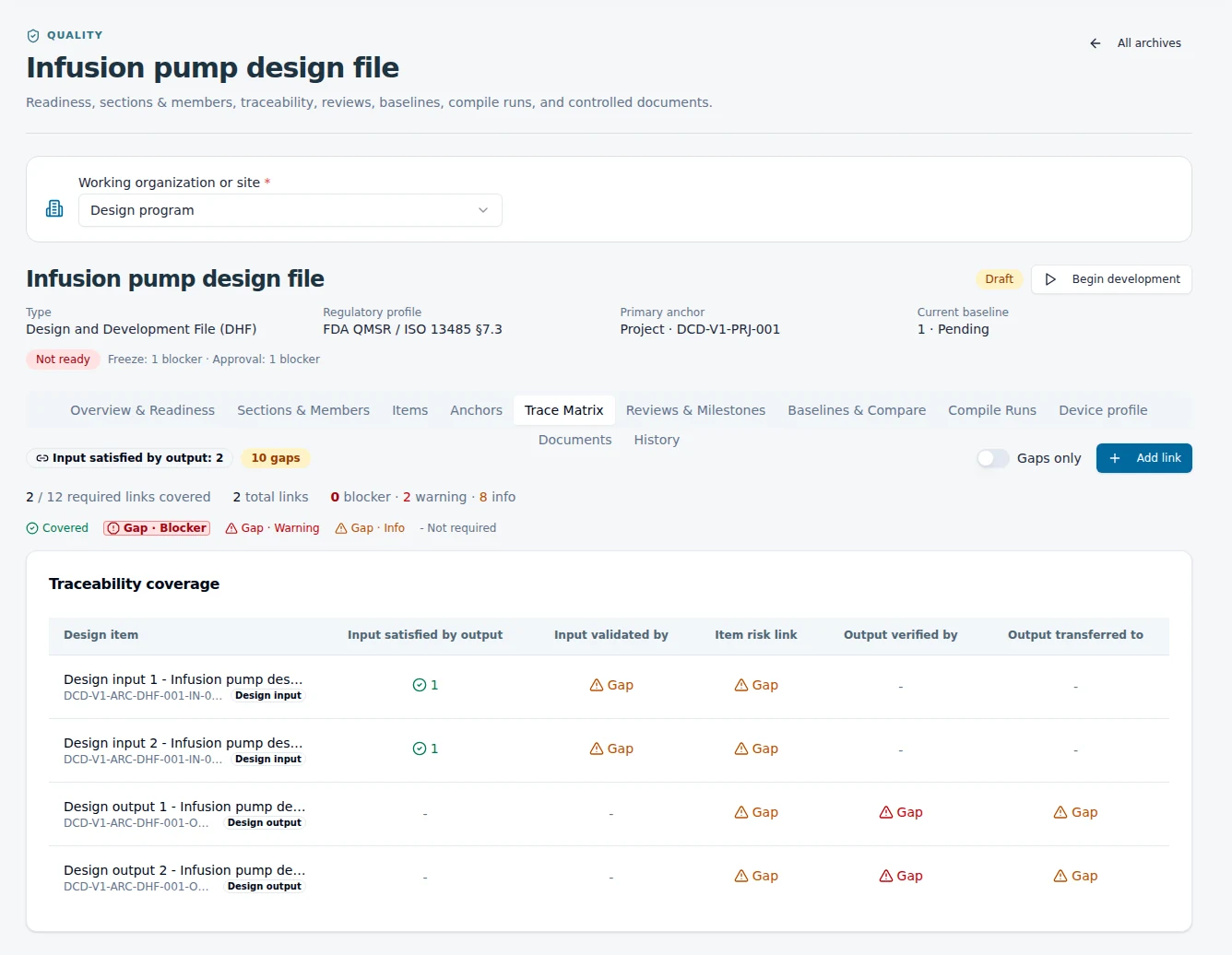
A document folder can hold the files. The harder question is whether a requirement is covered by the right output, risk control, and verification record. EquatorOps connects these records so the review follows the relationships.
Requirement and acceptance criteria
Specification, drawing, or procedure
Inspection or test evidence
Decision, signature, and baseline
Link identified risks and control measures to the design and the evidence that evaluates them.
02 / Build the record
Record design inputs and outputs with owners, acceptance criteria, and verification or validation strategies. Connect the supporting documents and operational records.
Link risk assessments and control measures to the relevant requirements. Use readiness checks to surface missing links and evidence for review as the design develops.
Organize design reviews, participants, decisions, and milestone readiness. Signed actions retain the decision against the record it approved.
Preserve a released baseline and compare it with later work. Review changed membership, document revisions, and evidence before accepting the next state.
03 / Review the consequences
A revised component specification can affect a test, a risk control, a supplier document, or a production instruction. Connect change governance to the design record so reviewers can examine the affected evidence before approving the revision.
04 / Apply it to your product
Use a connected design record for engineered products, equipment, components, and manufacturing processes where requirements and release evidence need to travel together.
Organize design history and device records in DHF, MDF/DMR, DHR, or technical-file structures. Connect design reviews, risks, and verification to your quality process.
Begin with one product and a meaningful review milestone. Map the records you already use, identify missing links, and establish the evidence needed for the next decision. Distinguish a missing document from engineering, testing, or validation work that still needs to happen.
05 / A consumer product example
Consider a portable work light. The team needs to explain how its requirements shaped the design, how risks were addressed, and which evidence supports release. The same discipline gives engineering, sourcing and manufacturing a shared language.
| Design record | What the team records | Why it stays connected |
|---|---|---|
| Input | The product must remain stable on the intended work surface, with defined acceptance criteria. | The requirement gives the design and verification teams the same intended result. |
| Output | The base geometry, material specification and assembly drawing. | The team can identify the design response that addresses the requirement. |
| Risk control | Assess tipping and loss of stability; connect the selected control to the design. | A later change to the base can be evaluated against the reason for that choice. |
| Verification | A defined test method and the recorded result against the acceptance criteria. | The reviewer can inspect the evidence supporting the requirement. |
| Change | A supplier proposes a different base material. | Follow the affected output, risk control and verification before approving the substitution. |
This is an explanatory example, not a reported test result. The value is the connected reasoning: what you intended, what you built, how you evaluated it, and why a later revision deserves review.
Start with a real design review
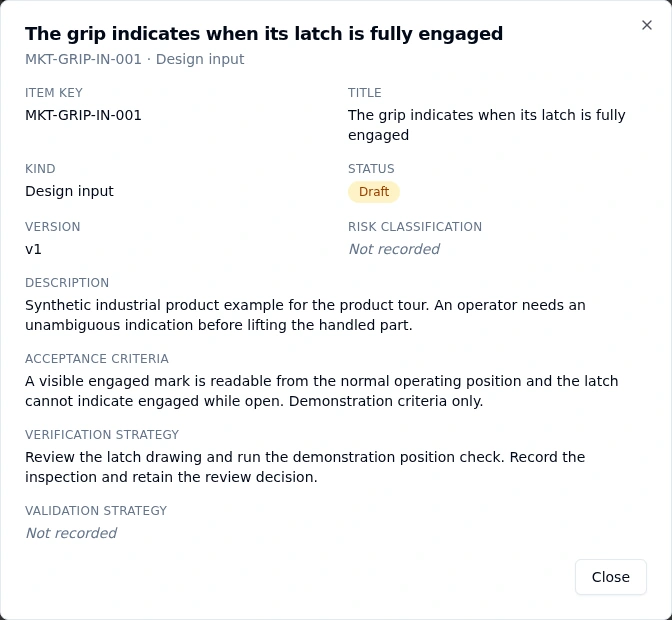
We’ll walk through how your inputs, outputs, risks, and verification work can form a connected design record.
Request a design control walkthrough