Controlled document exchange
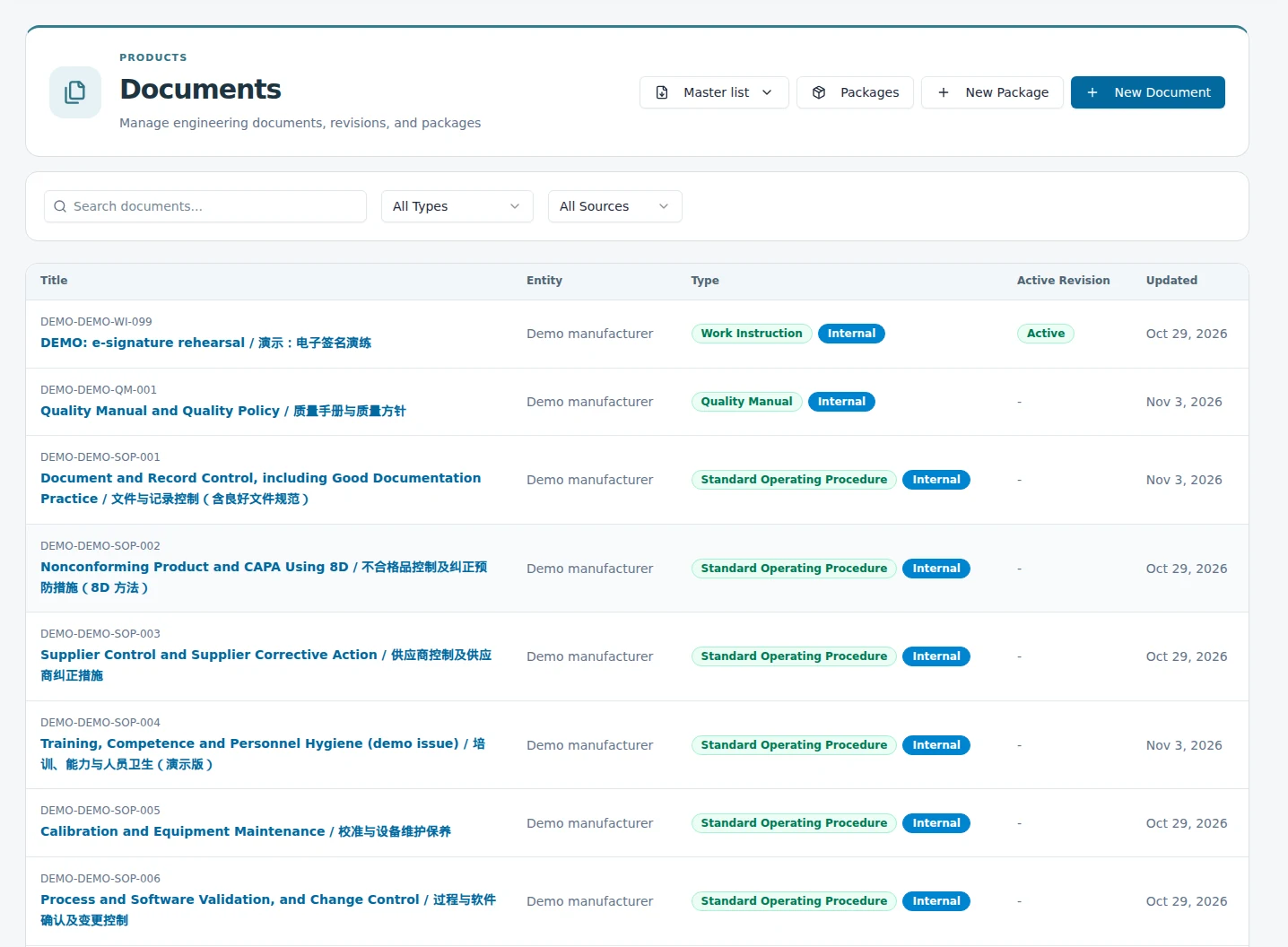
Build document packages around the revisions relevant to a product, supplier, or engagement. Keep package access and external acknowledgements tied to the shared material.
 EquatorOps
Cross-company quality
Coordinate the documents, reviews, corrective actions, and evidence that manufacturers, suppliers, brands, and operating partners need to work together. Give each participant access to the work they are responsible for.
01 / Define the shared work
A supplier may need to acknowledge a revised specification. A brand may need to review a corrective action. A quality partner may need to prepare an audit response. Define the participants, records, and permissions around each engagement while keeping unrelated company records private.
02 / Make the handoff explicit
Build document packages around the revisions relevant to a product, supplier, or engagement. Keep package access and external acknowledgements tied to the shared material.
Retain review decisions and electronic signatures against the applicable record. Keep an external acknowledgement distinct from an authorized approval.
Record nonconformances, assign corrective work, and collect supporting evidence. Track responsibility and closure through the quality workflow.
Provision engagement roles and record access for the people involved. Adjust or revoke that access when responsibilities or the engagement change.
Turn requirements and findings into specific requests with owners and due dates. Track the response through review and acceptance; a received file is one step in the process.
Work across English and Simplified Chinese interfaces and document review. Keep translated reference copies separate from the controlled original and its approval history.
03 / Medical device collaboration
For Class II medical device teams, quality responsibilities can span a product owner, contract manufacturer, supplier, and distribution partner. A useful eQMS connects those responsibilities to controlled specifications, design evidence, training, inspections, and corrective action.
Identify the product, applicable procedures, document revisions, and each party’s responsibilities.
Assign reviews and acknowledgements to the people with the necessary role and access.
Link the response, supporting evidence, and follow-up to the quality record.
04 / Carry it into operations
Connect quality work to receiving, stock holds, release, and controlled procedures. When a document or product changes, review the affected work and evidence before the change moves downstream.
05 / Make ownership visible
Map the records each party controls and the information the program needs to share. A relationship between two records does not itself grant another company access. Configure the engagement scope and participant roles around the agreed responsibility split.
Target costs, commercial planning, alternate-source strategy and proprietary design work remain outside the shared scope unless explicitly included.
The approved interface, selected specifications, change submissions, assigned reviews and requested evidence define the collaboration.
Internal costs, margins, proprietary process information and unrelated customer records are not part of the shared program by default.
Use this model to scope the engagement. Provision and verify the actual roles, record access and approval authority during implementation; the illustration does not assign permissions.
| Participant | Assigned work | Authority to establish |
|---|---|---|
| Manufacturer contributor | Submit the proposed revision and supporting records within the engagement. | Submission access does not itself authorize product-owner approval. |
| Product owner reviewer | Review the proposed interface and evidence against the agreed requirements. | Approval applies to the records and decisions covered by the assigned role. |
| Quality consultant | Coordinate assigned evidence requests and review work. | Access is explicitly scoped; participation does not grant company-wide commercial access. |
| Workspace administrator | Manage authorized participation and access changes. | Administrative access and business approval responsibility are established separately. |
06 / Match the design authority
The product owner controls its design record. Define the manufacturer's transfer, process and execution evidence that must cross the shared boundary.
The manufacturer retains the platform design. Establish the approved interface, change-notice responsibilities and evidence access needed for the customer's role.
Map the base platform and customer-specific requirements separately. Connect their dependencies and assign approval responsibility for the affected records.
07 / Choose the support you need
EquatorOps provides the connected records and workflows. Implementation establishes the first process, data relationships and access model. AsianOPS can provide separately scoped engineering, supplier-quality or program support where your operation needs it.
Start with one shared workflow
Bring a supplier review, document exchange, or corrective action process. We’ll map the participants, access boundaries, and evidence that need to stay connected. An implementation partner can coordinate the initial work plan while your teams adopt the workflow.
Request a quality walkthrough